I Voted Profile Picture Frames
You stood in line, you cast your ballot, and you walked out with a little sticker on your shirt. Now it’s time to show it off.
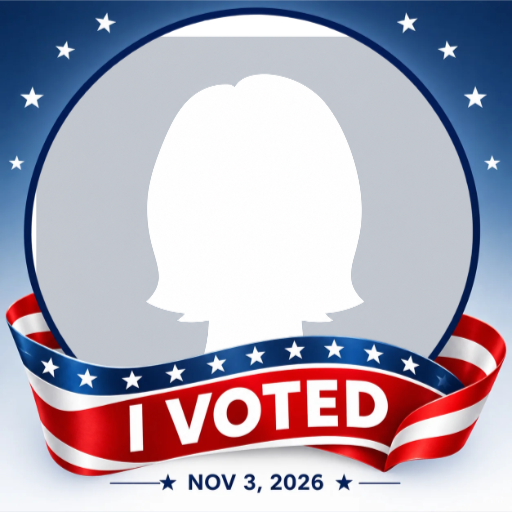
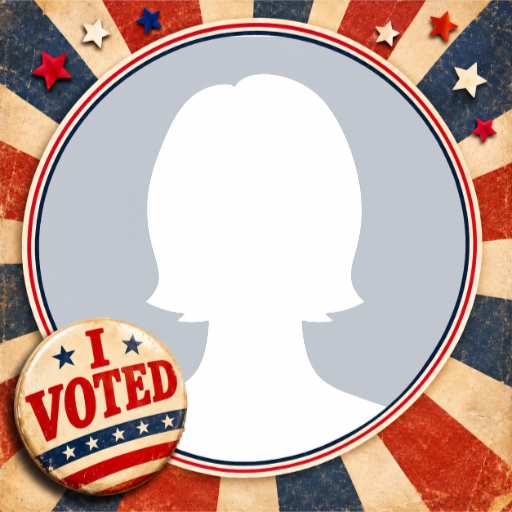
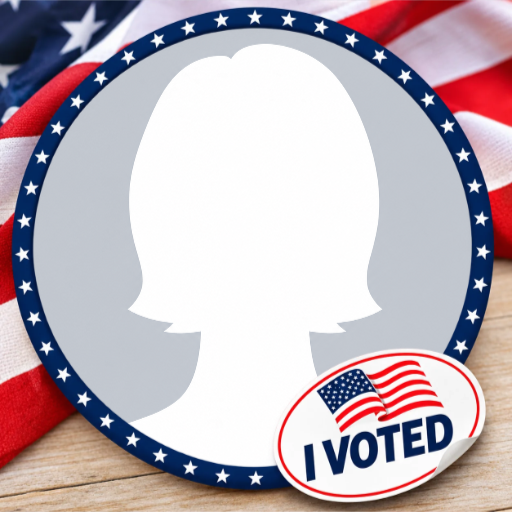
The “I Voted” selfie is one of the friendliest traditions of Election Day. Below are three “I Voted” profile picture frames you can add to your photo in under a minute. Pick one, click Use this frame, upload your picture in our frame studio, and let your feed know you showed up.
Why everyone posts an “I Voted” picture
At most polling places, you get a small “I Voted” sticker on your way out. The classic one is an oval with a waving American flag, though some counties now hold contests to design their own. People wear it all day, and a lot of them post a selfie with it.
The post isn’t about who you voted for. It’s a small, proud way of saying you took part, and it often nudges a friend or two to go vote before the polls close. That’s why the best “I Voted” frames stay neutral: red, white and blue together, stars and stripes, and no party symbols or candidate names. Anyone can use them, whichever way they voted.
The 2026 midterm elections are on Tuesday, November 3, 2026.
“I Voted” profile picture frames
Each frame keeps the middle clear for your face, since Facebook shows profile pictures as a circle.
How to add a frame to your profile picture
It takes about a minute in our frame studio.
- Pick a frame above and click Use this frame.
- Upload your photo. A clear, front-facing selfie works best.
- Drag and zoom until your face sits nicely in the middle of the frame.
- Download your framed picture.
- On Facebook, go to your profile, tap your profile picture and upload the framed photo.
When you upload it, look for the Make temporary option. Set it for a day or a week and Facebook will switch back to your old picture on its own.
Tips for a great “I Voted” post
- Never post a photo of your marked ballot. In some states it’s against the law. A selfie with your sticker says the same thing without the risk.
- Take the photo outside. Many polling places don’t allow photos inside, so wait until you’ve walked out.
- Wear your real sticker too. A sticker on your shirt plus the frame on your photo looks great together.
- Keep personal details out of shot. Don’t show your voter registration card, ID or anything with your address on it.
- Post early in the day. A friendly reminder in the morning gives friends time to get to the polls before they close.
FAQ
When is Election Day 2026?
Tuesday, November 3, 2026. All 435 seats in the House of Representatives and 35 Senate seats are on the ballot, along with many state and local races.
Can I use these frames if I voted early or by mail?
Yes. A vote is a vote, however you cast it.
Is it okay to post a photo of my ballot?
It depends on your state, and in some it’s illegal. The safest choice is a selfie with your “I Voted” sticker or one of these frames instead.
Do these frames support any party or candidate?
No. They use the colors of the flag and nothing else, so anyone can use them, whoever they voted for.
Can I use these frames on Instagram or X?
Yes. Once you download your framed picture, you can post it anywhere.
Can I use them again next election?
The Classic Sticker and Retro Button have no date on them, so they work for any election. The Flag Ribbon Banner shows the 2026 date.
Lets Create Pink Ribbon Profile Picture Frame for Breast Cancer Awareness
Create Stunning Halloween Trick Or Treat Profile Picture Frames

Autumn Season 2023 Profile Picture Frame
About Author
